

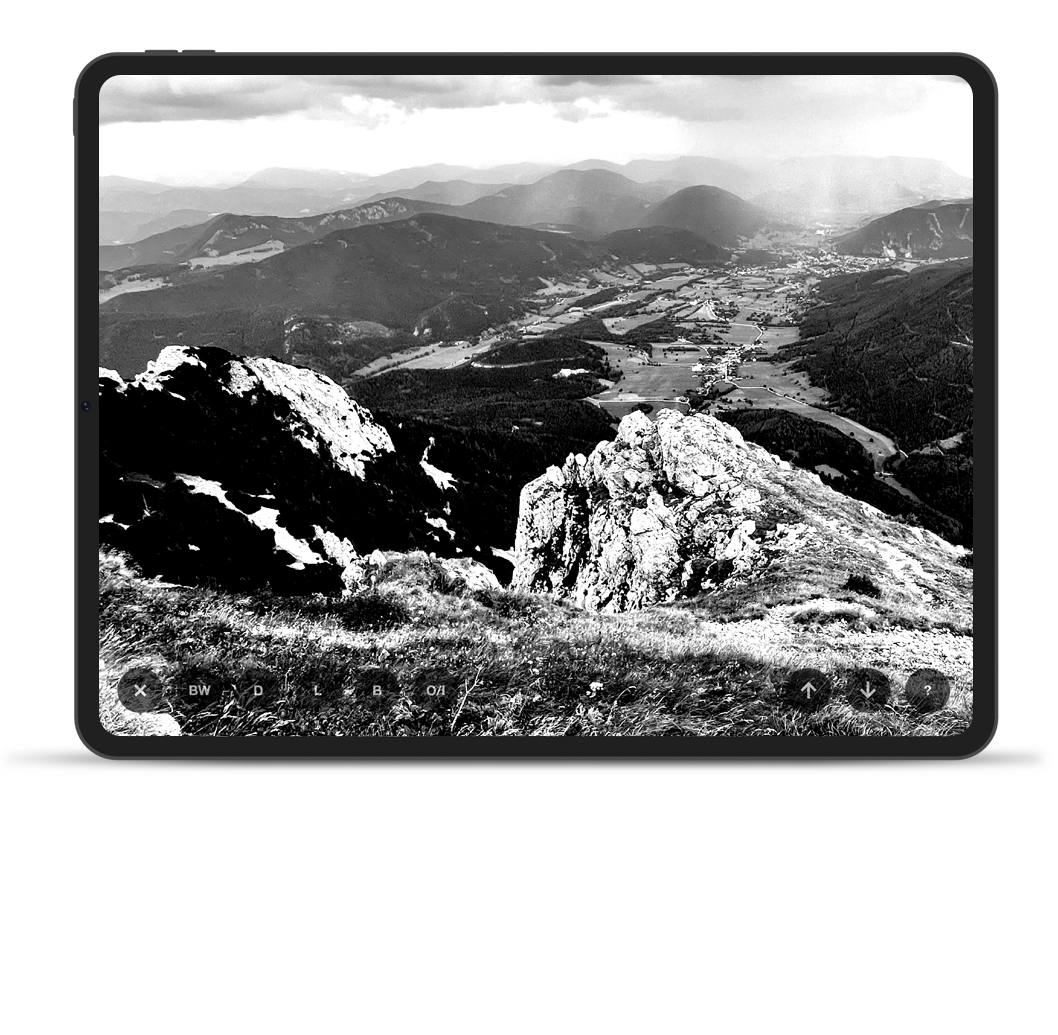
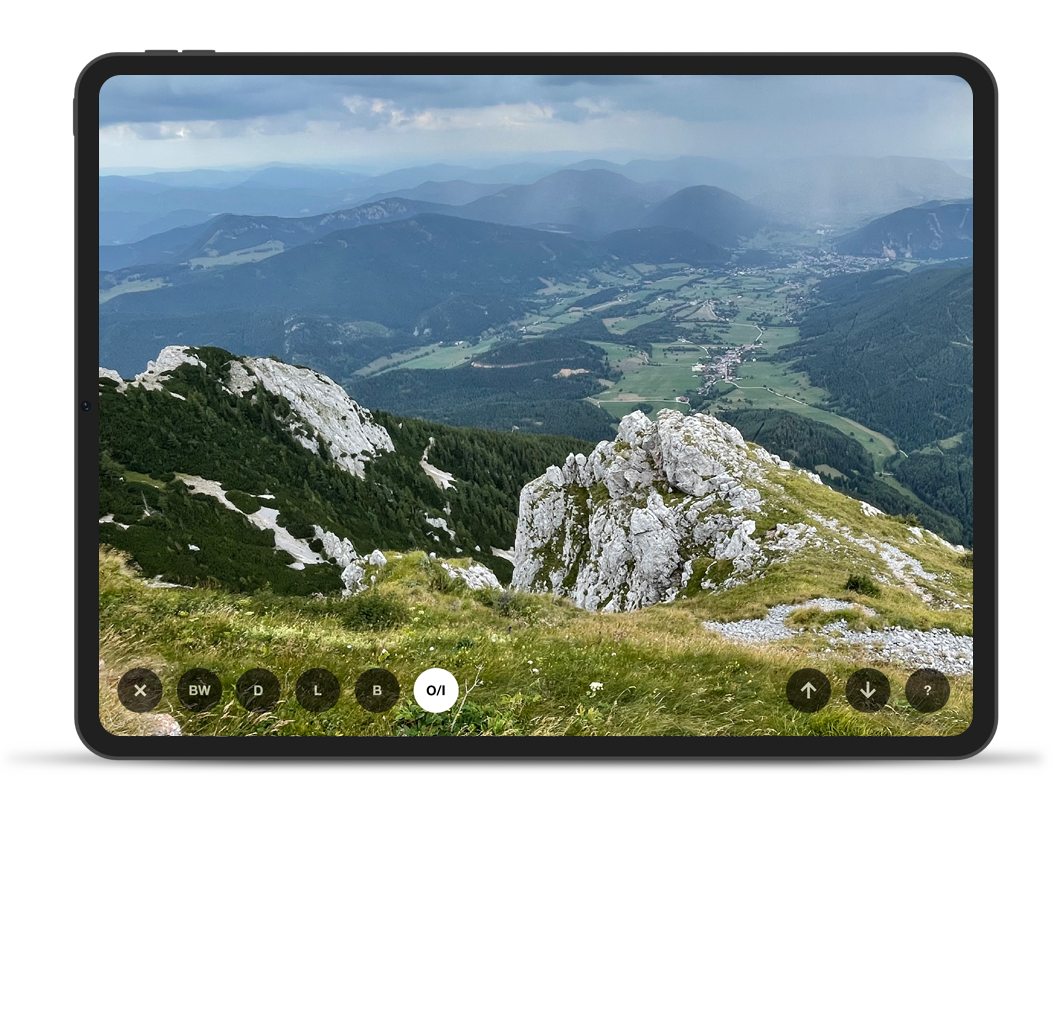
Color vs.
Black & White
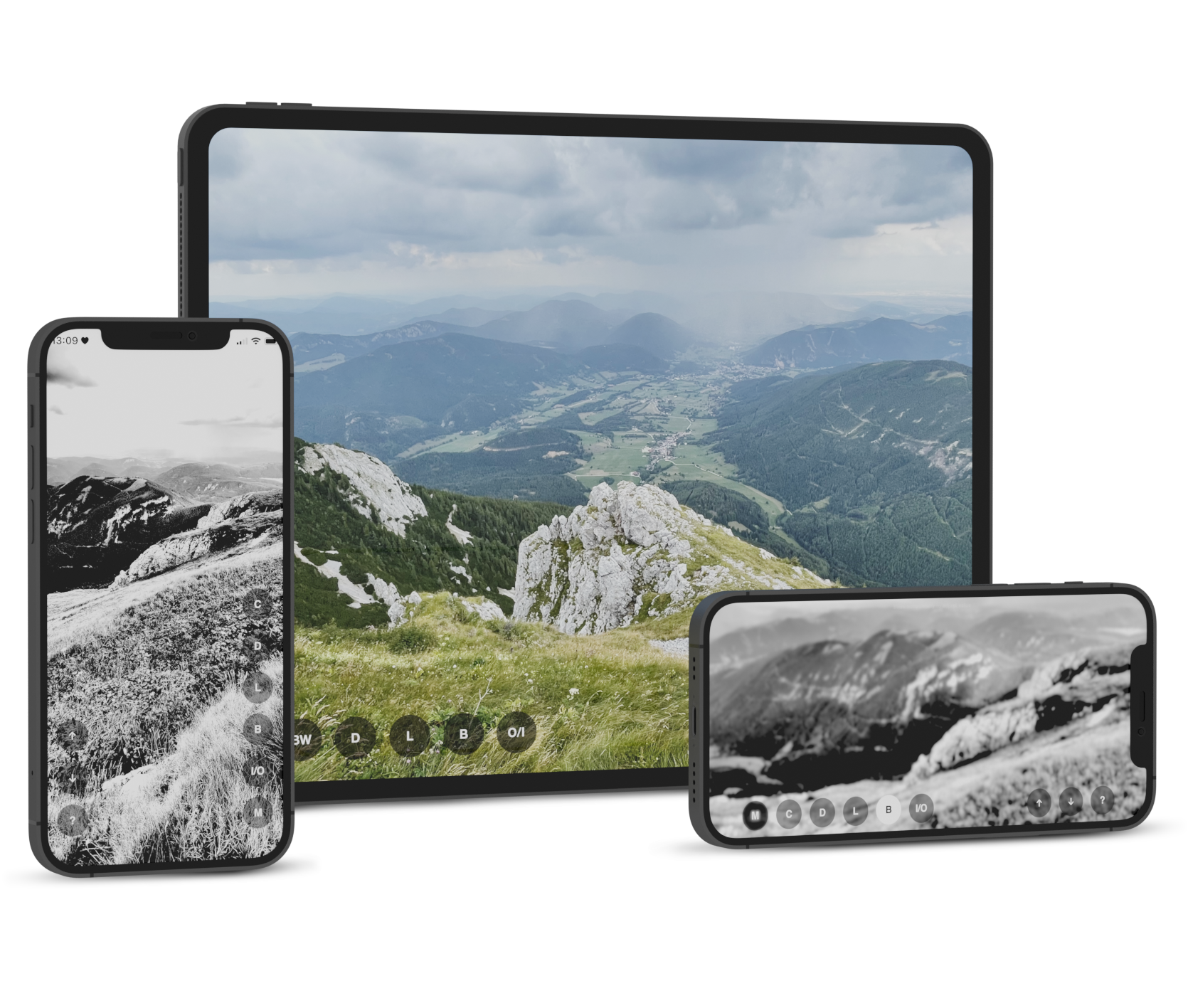
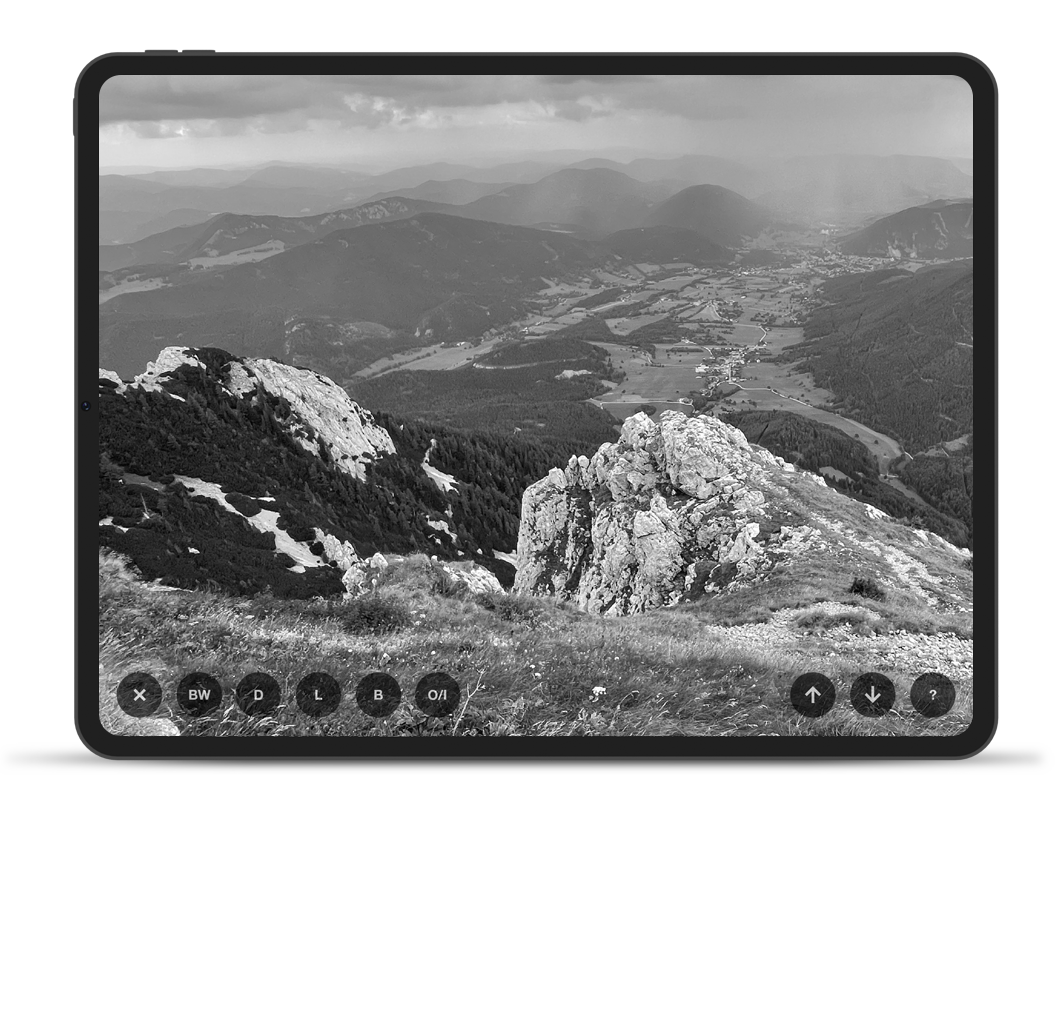
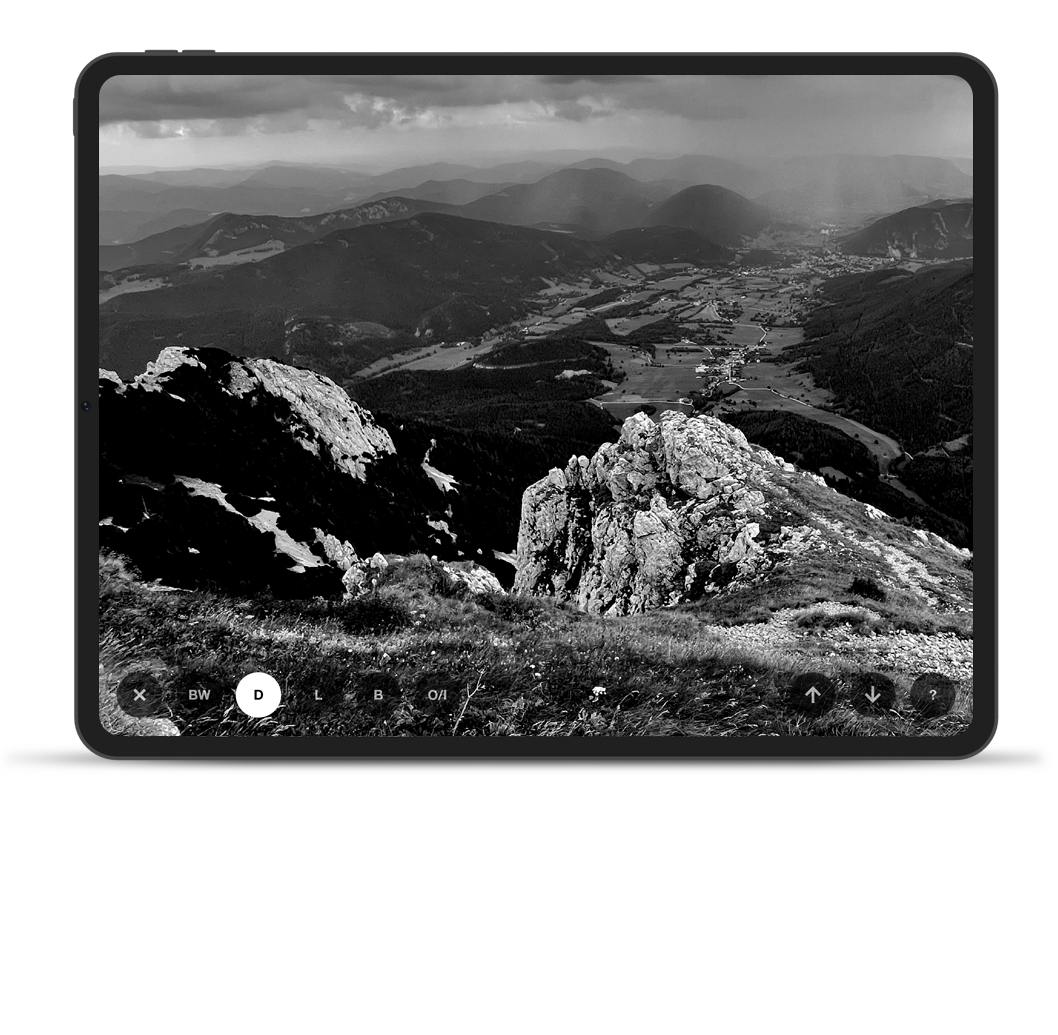
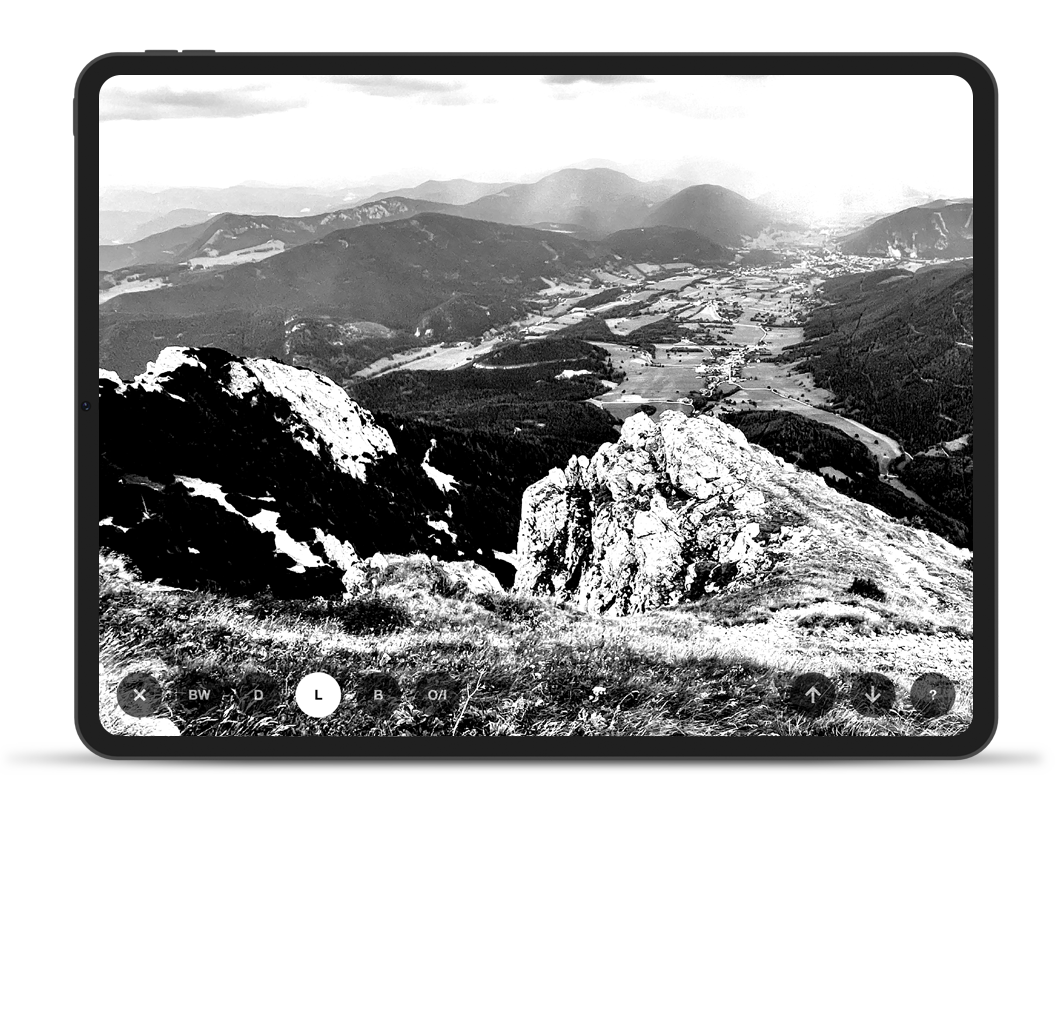
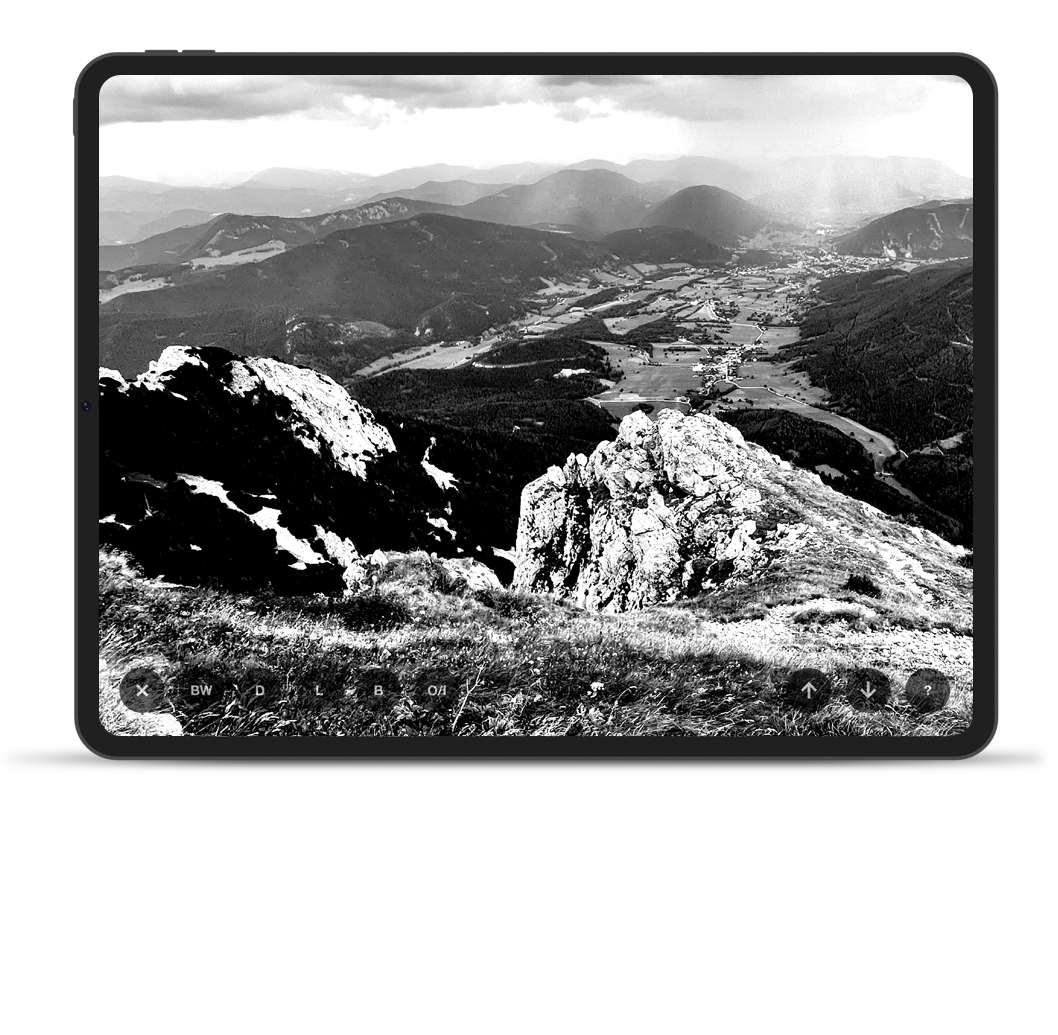
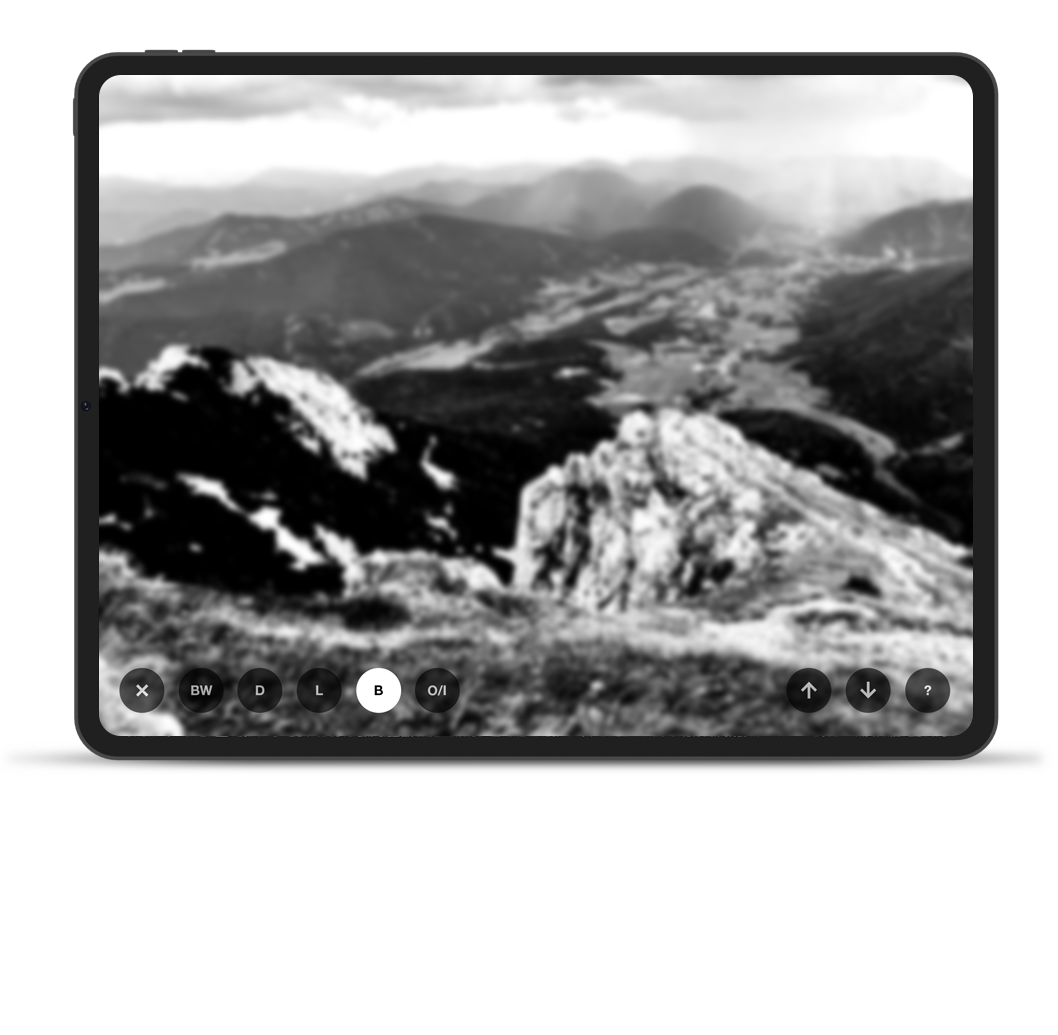
Turn your reference image to black & white and you'll be able to start identifying the dark
and light values.
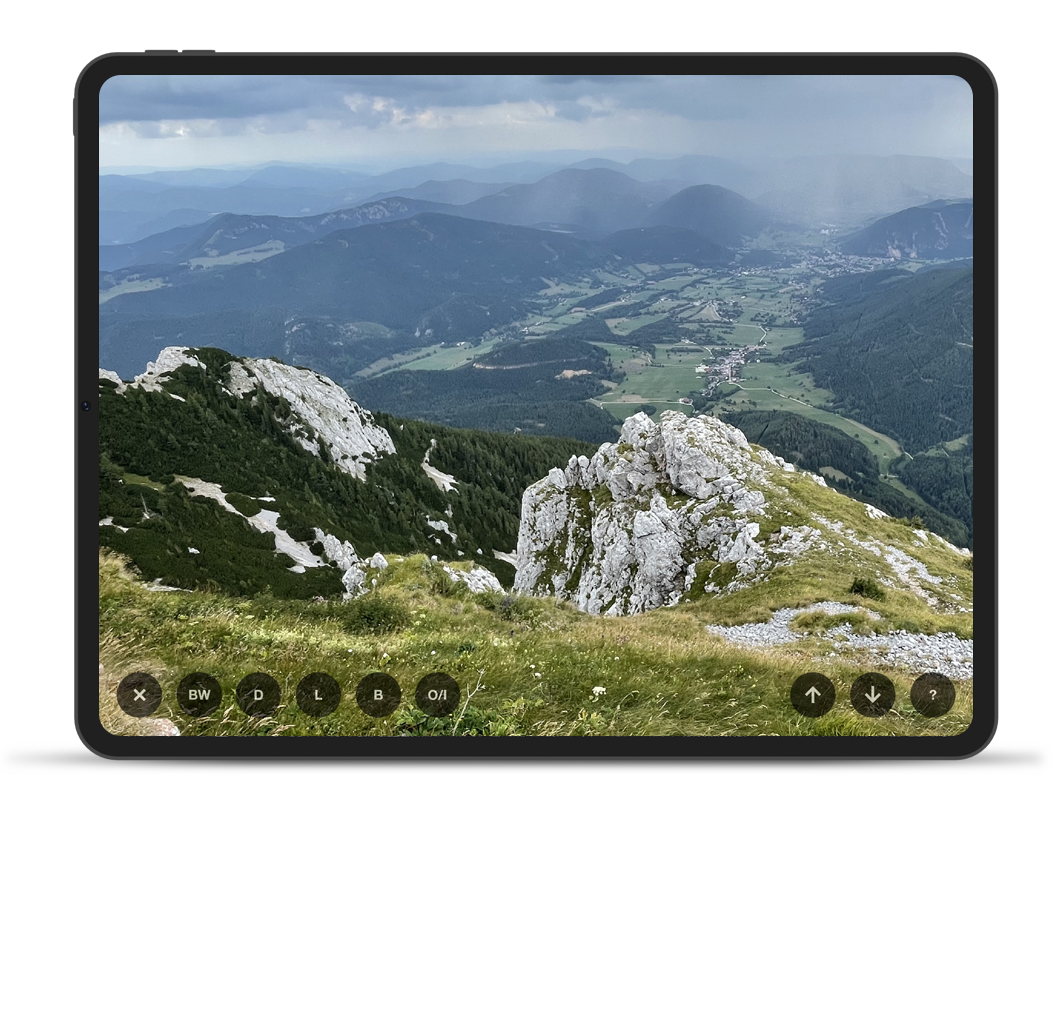
You can always toggle between color and black & white mode by tapping the
BW button. Your image will keep the rest of the effects you apply.